A private church community app — your feed, no algorithm
Announcements, polls, photos and comments in a space that belongs to you — without a Facebook group deciding who sees Sunday's post.
No algorithm decides who sees Sunday's announcement. You own the audience — every member, every post, every time.




- Inline composer — text, up to 3 images, live polls
- Pin posts; embed a live campaign or event
- Geographic targeting by country or city
- Auto push notification on every new post
- Delete or privately reply to any comment
- Realtime feed — new posts appear live
- Like, vote in polls, comment and RSVP
- Share any post to a public link
- Save posts and open images full-screen
Get your leadership out of the group text.
Private channels and direct messages inside your app — coordination and pastoral care in the same place as everything else.
Pastoral conversations stay inside your ministry's own system — not a personal phone number, not a third-party app.
Channels and direct messages are on Ministry only — Individual and Small Team don't have a Messages tab at all.
- Create channels; add members by name or email
- Post messages with sender photo, name and role
- Attach a doc, CRM contact, campaign or form
- Admin ↔ admin and admin ↔ member DMs
- See it as the Messages tab
- Participate in the channels you're added to
- Start a direct message with any admin
- Read receipts on direct messages
A prayer wall that never becomes a graveyard.
Post in one line, pray with one tap — and requests clear themselves after 30 days, by design.
The person who asked can see that 14 people prayed. That is the whole emotional payload — and the wall stays current, because everyone is told it clears in 30 days before they post.
- Delete any request for light moderation
- Available to every member on every plan
- Requests carry a 30-day expiry from the start
- Post from a 200-character share bar
- Pray with one tap — live count, toggle on/off
- Post as yourself or as Anonymous
- Filter by Today / This Week / This Month
- Delete your own requests anytime
Every campus on a map, sorted by distance.
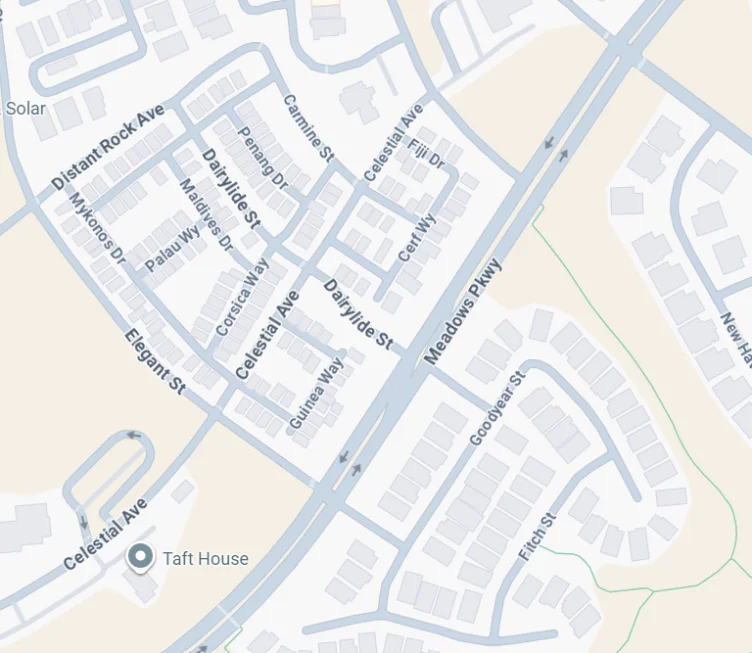
A member-facing locator and a multi-campus roster admins manage — the “where do I go on Sunday” question, solved.
The list reorders itself by how far each visitor is standing from every campus. One tap opens directions. That is the whole Sunday-morning question, answered.
- Add campuses with Google address autocomplete
- Automatic geocoding fallback + manual lat/lng
- Full record: schedule, pastor, contact, socials
- Every paid plan runs as many campuses as you need
- Interactive map with a marker per location
- “Locate me” plus distance sorting
- Set a home church; get directions in one tap
- Service times, pastor and tap-to-copy contact
Church event registration software — sign up on a phone, walk in on a scan
Ticket types, waitlists and group booking — church event registration with a confirmation QR at the door.
A first-time visitor opens the event page on their phone, registers with no account and no app, and has a confirmation with a scannable code before they have put the phone down. On the day, somebody at the door scans it. Nothing else has to happen.

- Multiple ticket types, each with its own capacity
- Per-event waitlist; a whole party is waitlisted together
- Draft → publish, manual check-in, CSV export
- Pin an event to the top of the community feed
- Register at a public event page — no account
- Confirmation email with a scannable QR once confirmed
- “My Tickets” with a full-screen QR code
- Household / group registration on one booking
Print a QR, tape it to the door.
Church check-in system and attendance tracking that lands in your CRM — visitors and members scan, enter a first name, and they are done. No app, no account.
The bar for a first-time visitor is “point your camera at this.” No app, no account, no line at a kiosk — and attendance quietly becomes data.
- Create a session, optionally linked to an event
- Live attendee count and manual check-in
- CSV export of the full attendee list
- Bundled QR generator for five destinations
- Scan, enter a first name, done — no login
- A branded self check-in page
- Attendance auto-links to CRM contacts
Church volunteer scheduling for the Sunday run sheet
Build Sunday’s run sheet with your team — every item, how long it runs and who is doing it — then invite those people and see who has said yes.
The run sheet stops being a document somebody emails round on Thursday. Timings add up on their own, so moving one item moves everything after it, and the person on the door finds out by email instead of by group chat.
- An order of service you reorder — durations become clock times
- Assign people to items; double-bookings are flagged
- See who has not served recently, and which slots are still empty
- Invite by email and read each answer; send a reminder
- An email saying what they are doing and when
- One link to accept or decline — no sign-in, no account
- A reminder before the day, if they have not answered
Go live — and reach the person watching alone.
Stream on YouTube, keep the congregation inside your app: prayer, chat, sermon notes and giving one tap away.
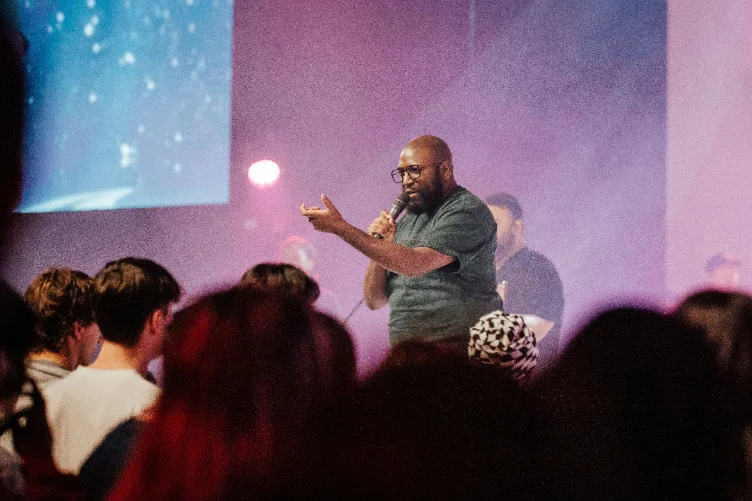
Someone watching alone at home types a prayer request — and a real person at the pastor’s console marks it prayed. Lead with this, not the video player.
- Paste a YouTube URL or ID — one button to go live
- Live viewer and prayer counts, with a peak record
- Live prayer queue — tap “Prayed” to clear one
- Delete any chat comment; archive every session
- Gold “Live Now” banner on Home the instant you start
- Embedded player with realtime chat
- Submit a prayer request straight to the pastor
- Sermon notes synced to the stream; your giving page one tap away